Botsheets
Customer Support
Galerie
TL;DR
- Train and manage AI chatbots using Google Sheets
- Let AI collect and capture data from chat sessions in Google Sheets
Zusammenfassung
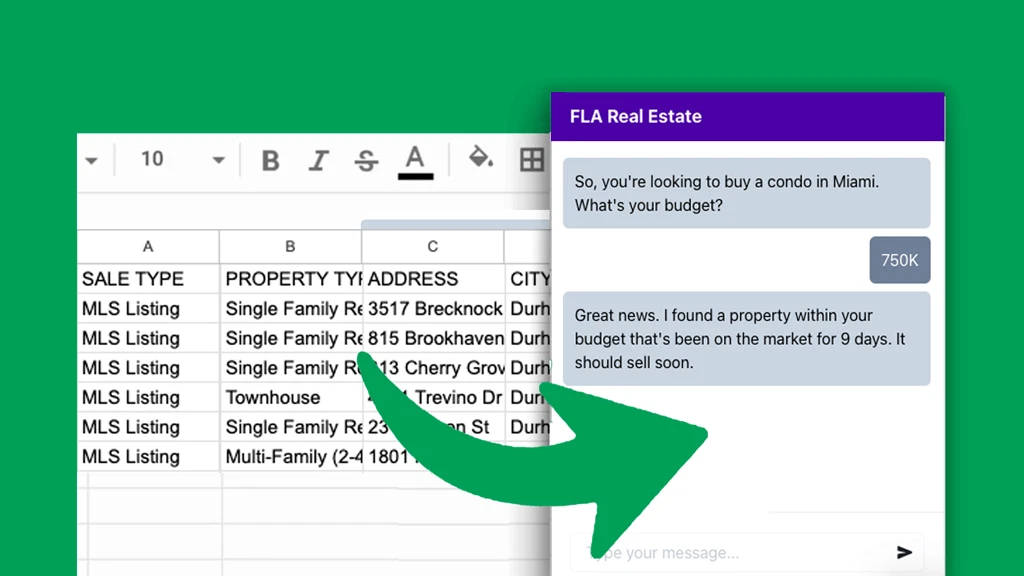
The best way to train AI is using structured data, like spreadsheets. Unfortunately, the majority of chatbots rely on PDF and website content, unstructured data that leads to inaccurate responses. Uploading documents isn’t efficient either for lists of frequently changing data that is better served by a database.
Meet Botsheets — AI chatbots that read spreadsheets to generate responses, while collecting and writing actionable data from a chat session to a spreadsheet.
You’ll delight customers with more accurate, personalized, AI responses, while AI will delight you as it captures the data you need to nurture leads, deliver support, and help you grow your business.
You only need to connect a Google Sheet once and you can train AI directly from a Google Drive. If you’re an agency, you only need to share access to a Google Sheet with your clients for them to train AI.
Video
Best For
- Marketers
- Marketing agencies
- Small businesses
Alternative To
- Intercom
- Typeform
Integrationen
- Google Sheets
- OpenAI
Key Features
-
AI
Kostenübersicht
3
244.90 € / Monat
184.50 €
5,693.10 €
Features & Funktionen
Verfügbare Features
Weitere Details
Chatbots
Unlimited
Message credits per month
10000
Document character limit
Unlimited
Max sheet rows
Unlimited
Chat logs
30 days
Beschreibung
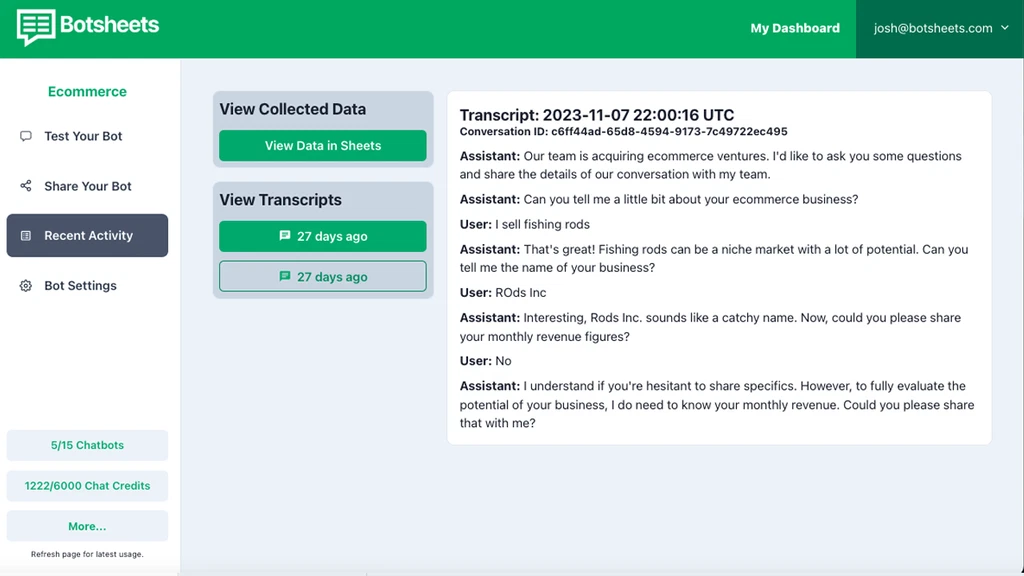
Connect a Google Sheet with lists of data such as your ecommerce products, coupon codes, real estate listings, a restaurant menu, job listings, and more! Add, edit, and delete cells and Botsheets will keep AI in sync with your data while you keep control over the data you share with AI.
If you have other data sources you want to add to expand your chatbot’s knowledge, no problem. You can also upload PDF’s and scrape webpages too to create a more generalized knowledge base.
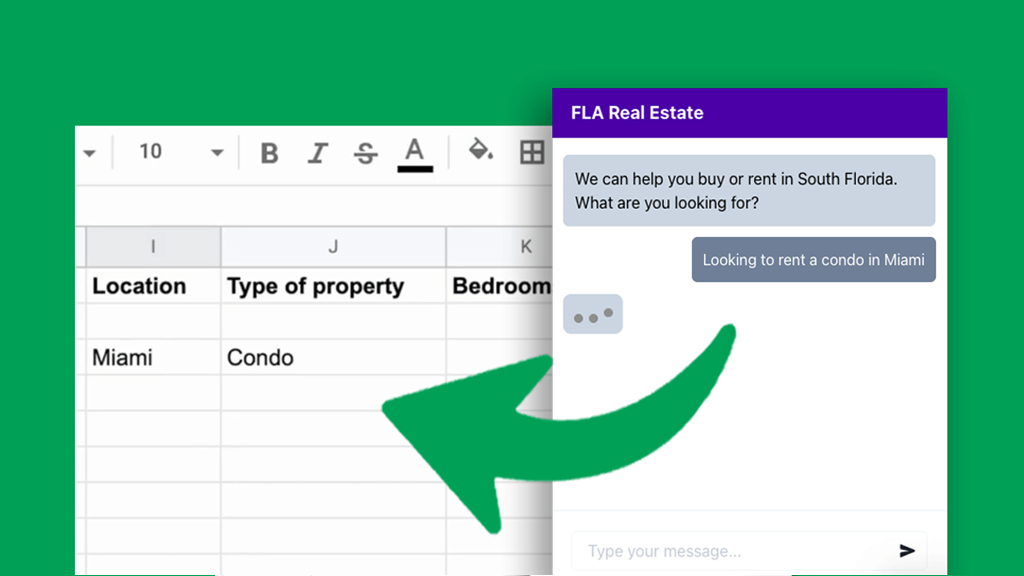
Say goodbye to old school forms. Just tell AI what data you want to collect from your audience and your chatbot will engage your audience with questions to collect and capture the data in Google Sheets.
Your chatbot will automatically detect your customer’s language too and respond in 95+ languages.
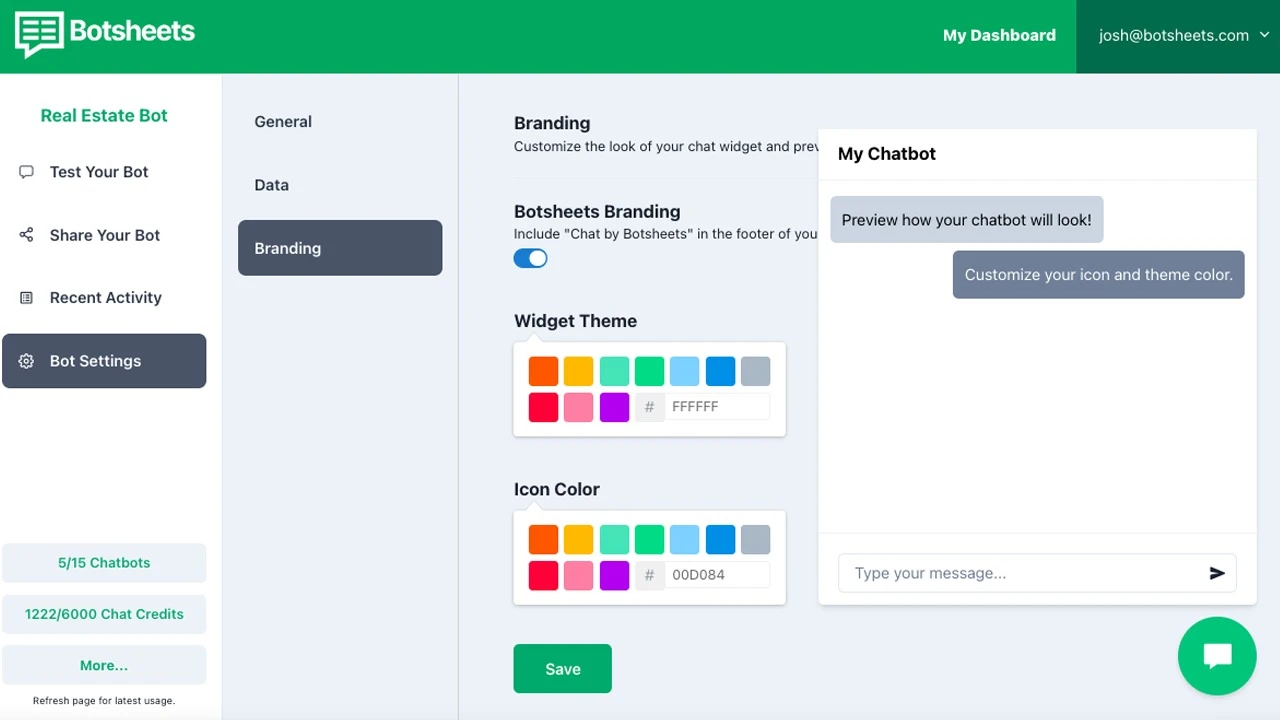
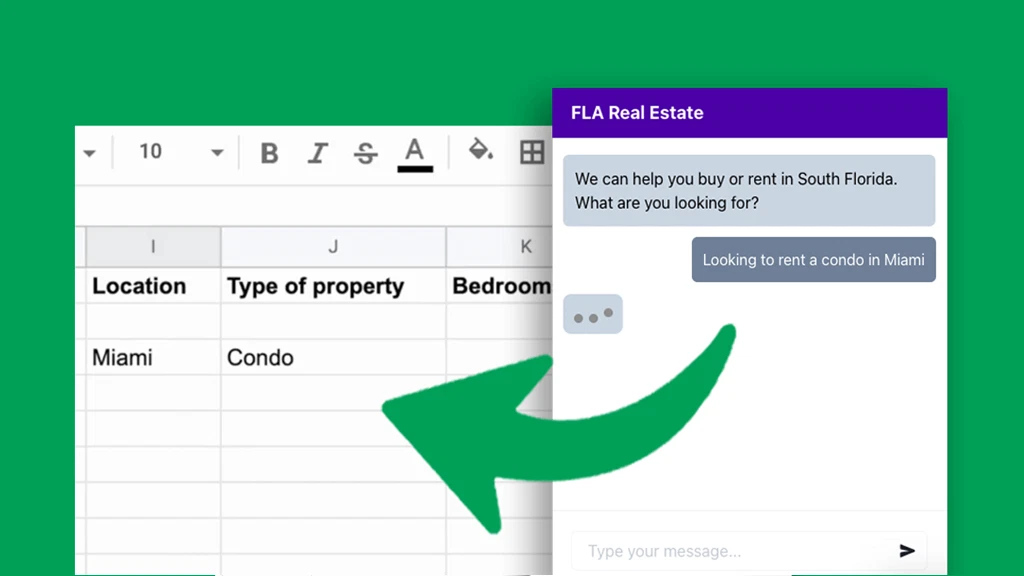
Match your brand’s look and feel and pick a conversational tone that AI should use to engage your audience that matches the voice of your brand.
Drop in one line of code into your website for a chat widget, replace web forms with our page embeds, or add direct links to a full screen conversational experience from your social bios.
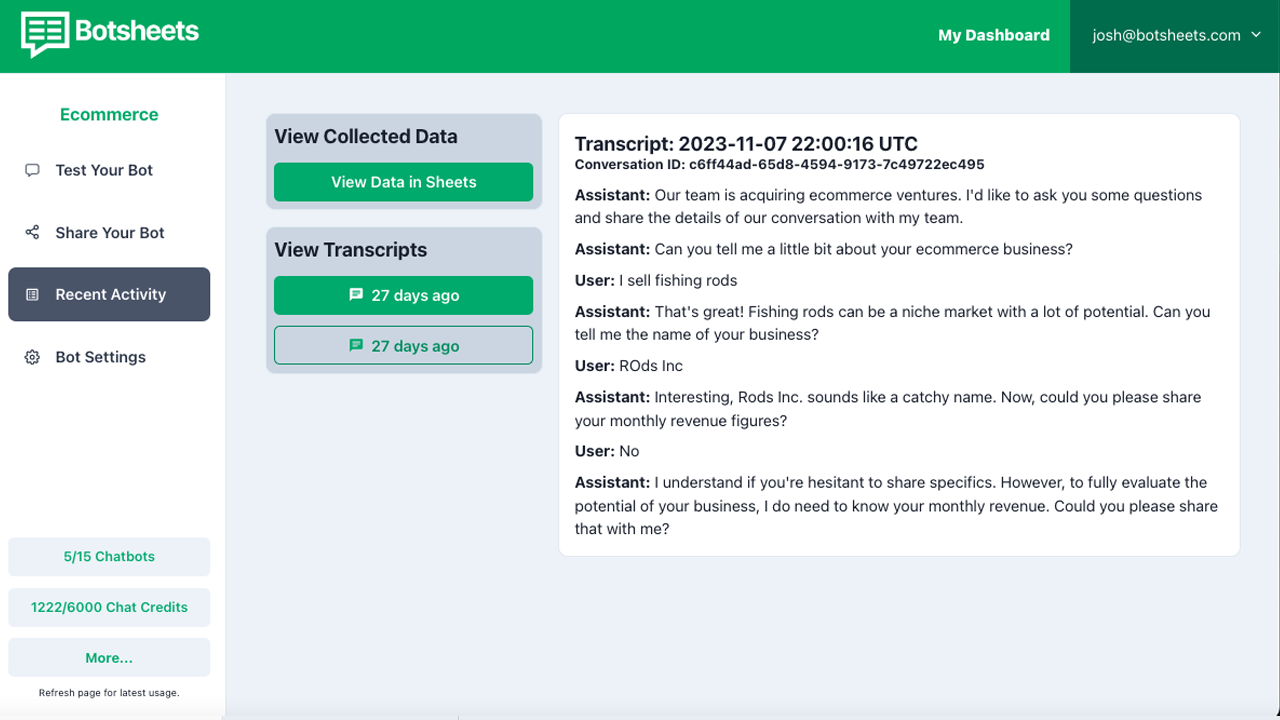
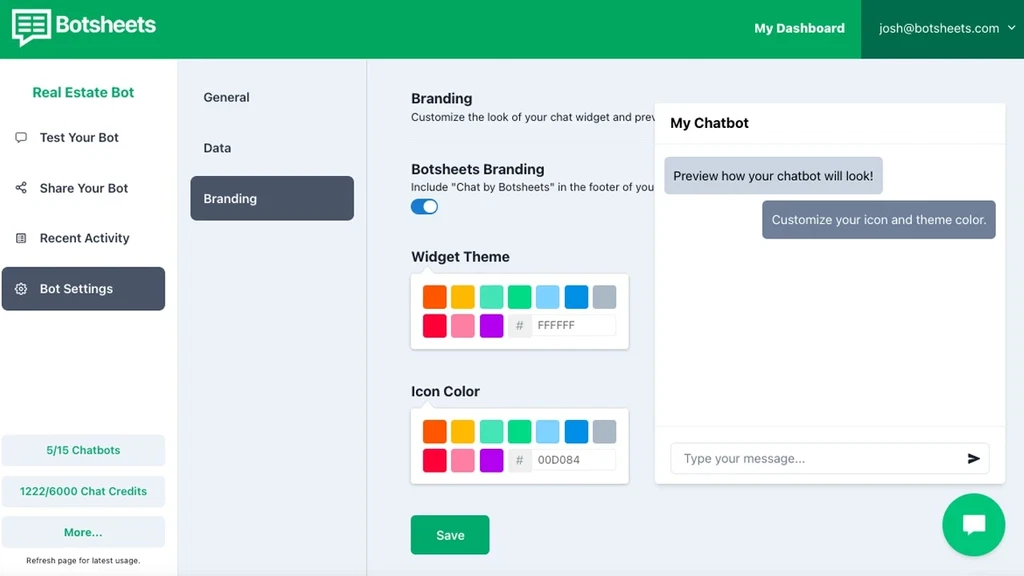
Get an email when a website visitor engages with your chatbot. You can access the chat transcripts for complete context and so you can improve AI by identifying areas for improvement.
Click through to a Google Sheet and access the key data points your chatbot collected from a chat conversation, or use Webhooks to automatically send data collected to any 3rd party system that can receive JSON data.
Every business runs on spreadsheets, and now your automated conversational experiences can run on spreadsheets too, with Botsheets!
Login
No credentials stored or decryption failed.