NativeRest
Development Tools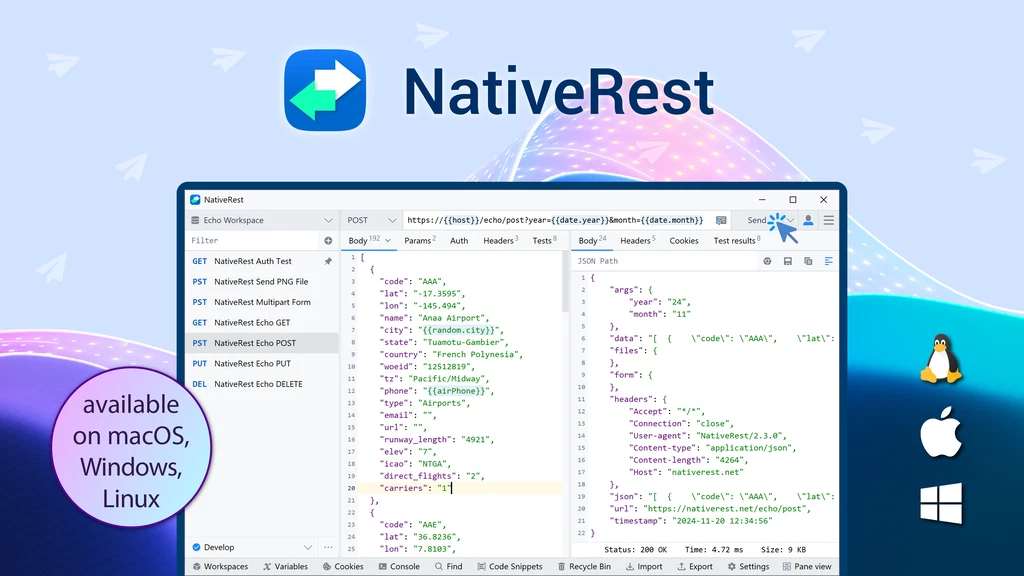
Galerie

TL;DR
- High-performance Windows, macOS and Linux REST client with offline mode, proxy server, and advanced features.
- Offers data import/export, multilingual UI, and light/dark themes for a versatile user experience
Video
Best For
- Developers
- Freelancers
- QA
Alternative To
- Postman
Integrationen
- API
- Rest API
Key Features
-
GDPR-compliant
Kostenübersicht
1
5.90 € / Monat
15.39 €
90.81 €
Features & Funktionen
Verfügbare Features
Weitere Details
Local workspaces
unlimited
User
1
Devices
1
Beschreibung
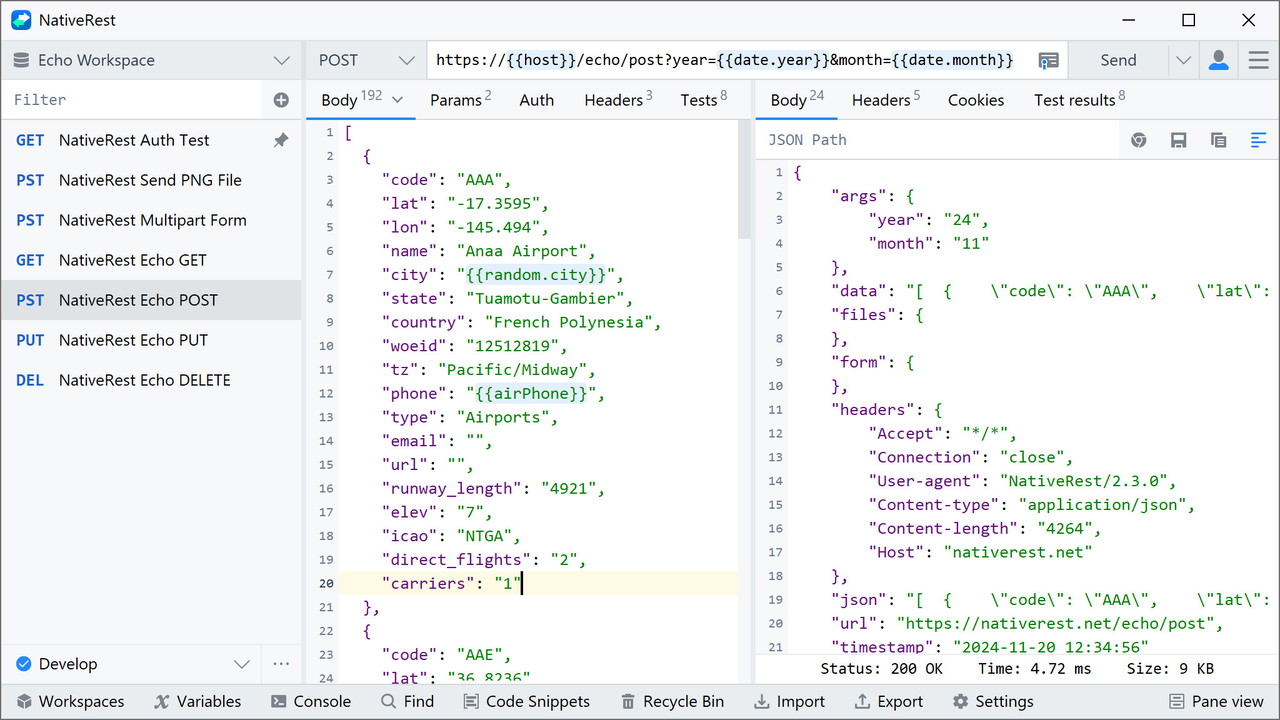
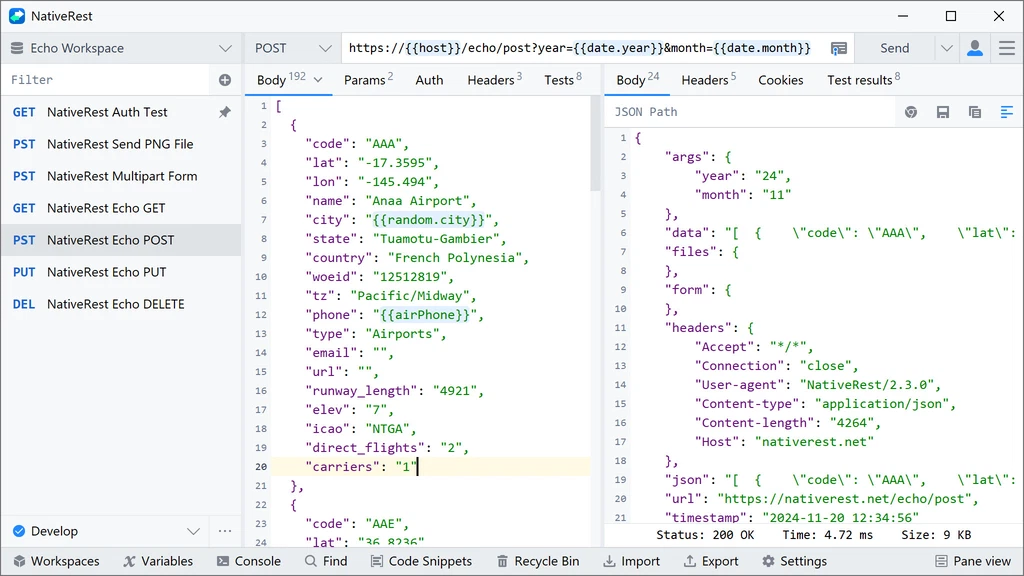
NativeRest is a 100% native desktop application for testing your API that does not use Electron. NativeRest starts fast, uses less memory and CPU.
NativeRest, unlike other popular tools, can be used without an account and internet connection. You decide to use only local workspaces or additionally create cloud workspaces.
When using local workspaces, all your collections, environments, requests will be stored only on your computer. When working as a team, you can create personal cloud and team cloud workspaces.
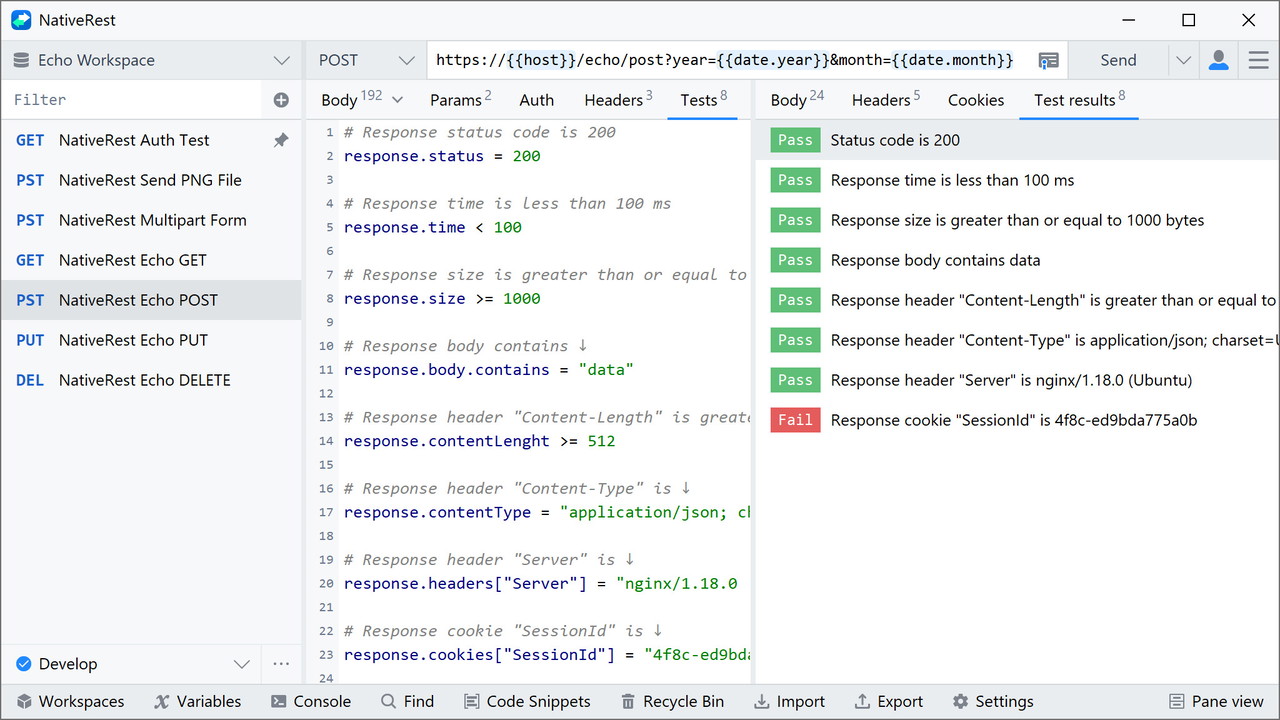
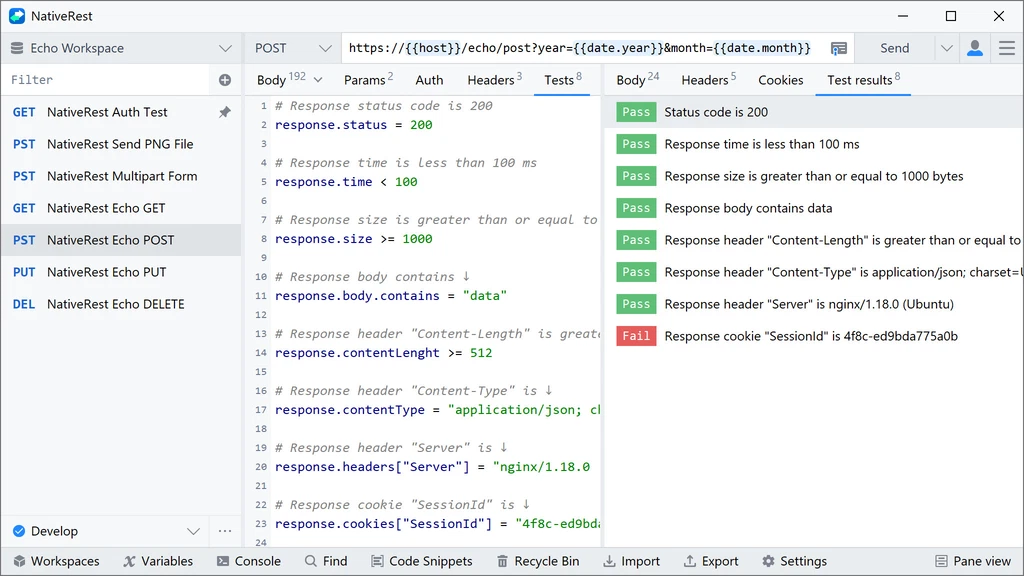
NativeRest provides a way to easily test your API. Use single line tests to check status, time, body, headers, cookies of response. You can use a list of commonly-used test code snippets to write your tests. Snippets are available in Test Examples window.
You can generate code snippets in various languages and frameworks within NativeRest. Over fifteen different languages: C, C#, cURL, Go, HTTP, Java, JavaScript, Kotlin, Node.js, PHP, PowerShell, Python, Ruby, Shell, Swift, and more.
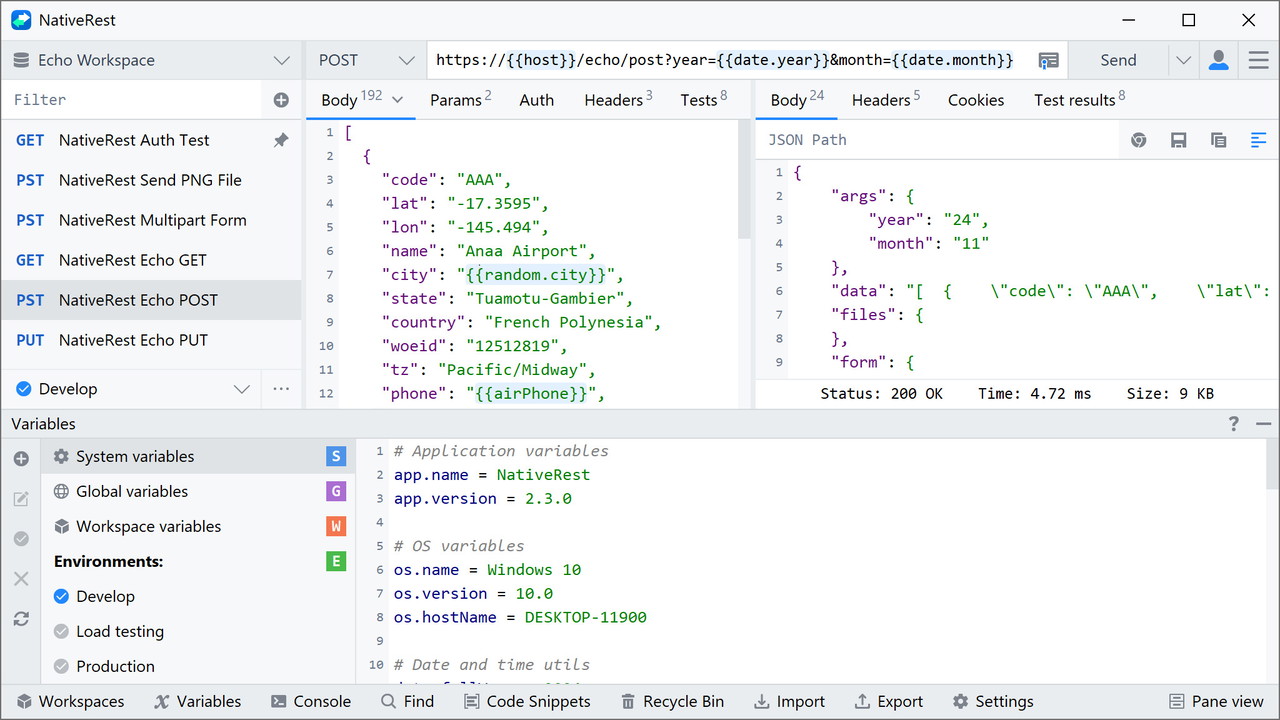
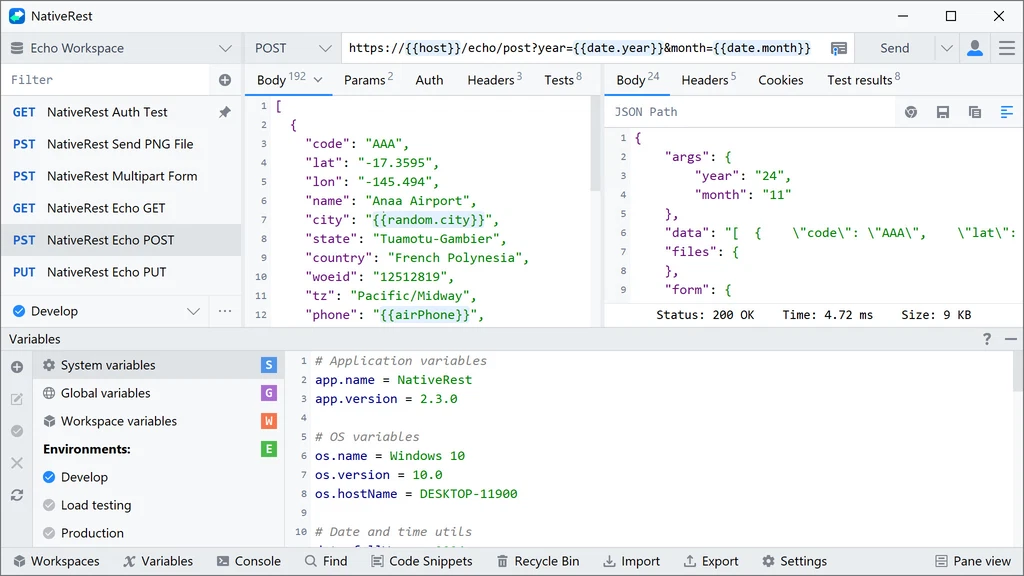
NativeRest has powerful capabilities for layering your variables. You can use system, global, workspace and environment variables. NativeRest uses built-in library to generate sample data, including random names, addresses, email addresses, and much more. You can use these pre-defined variables multiple times to return different values per request.
An environment is a set of variables you can use in your NativeRest requests. You can use environments to group related sets of values together and manage access to shared NativeRest data if you are working as part of a team.
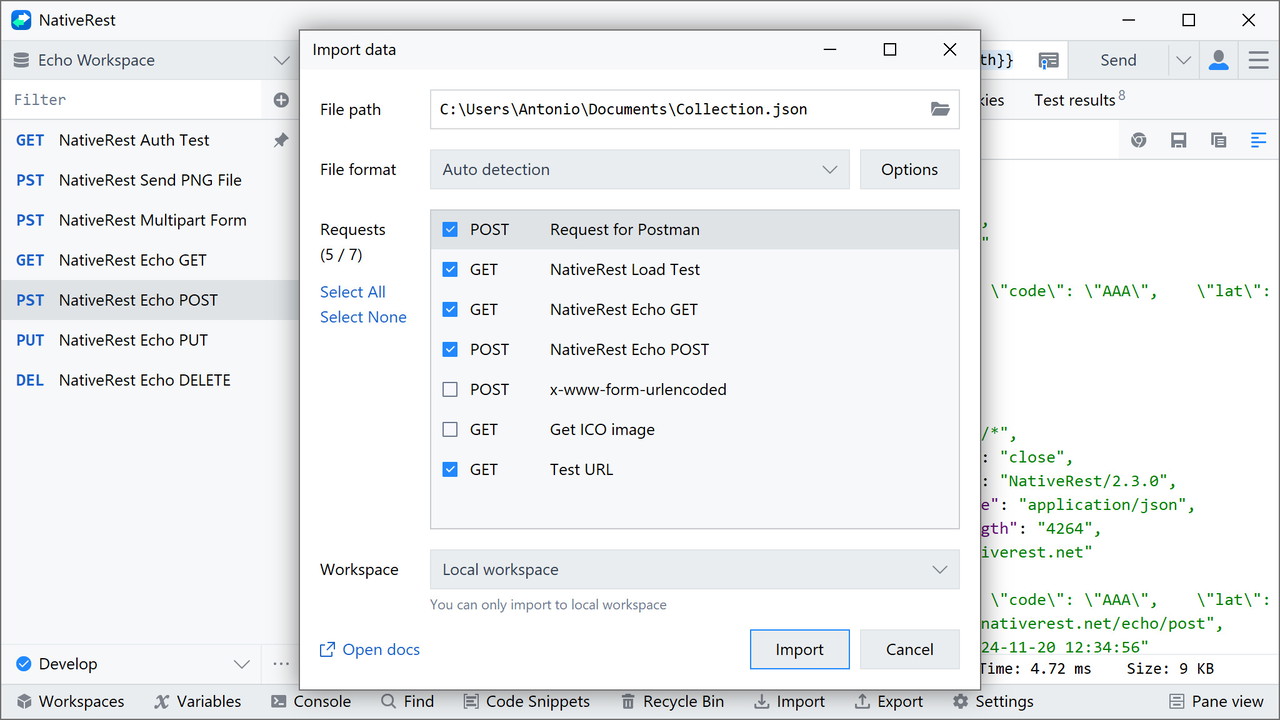
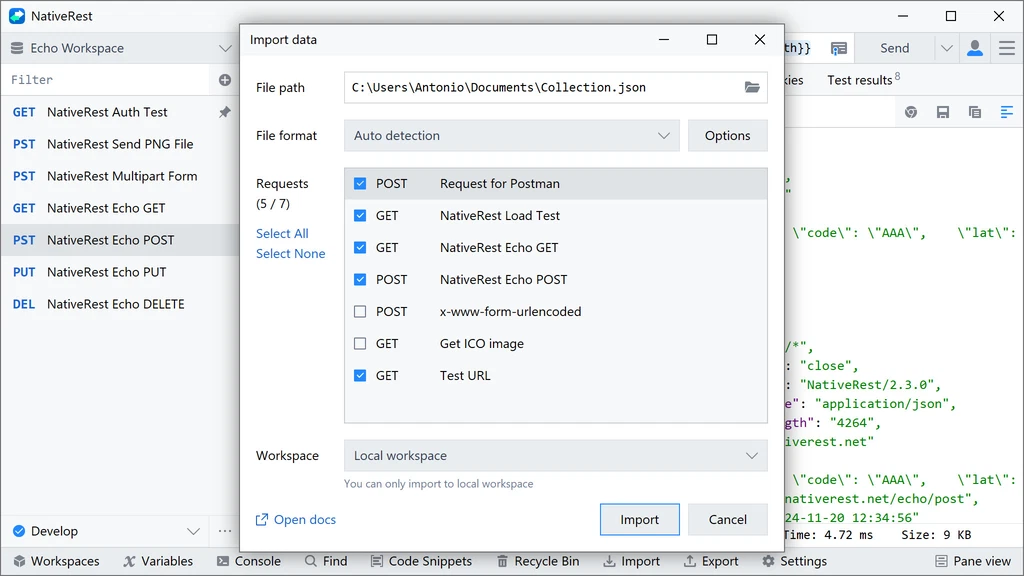
You can import data from other REST clients such as Postman, Insomnia. You can migrate without loss earlier created collections, environments and variables. It also supports data export. NativeRest export file format is fully compatible with the most popular REST API clients. Also, you can paste copied cURL command straight to URL bar.
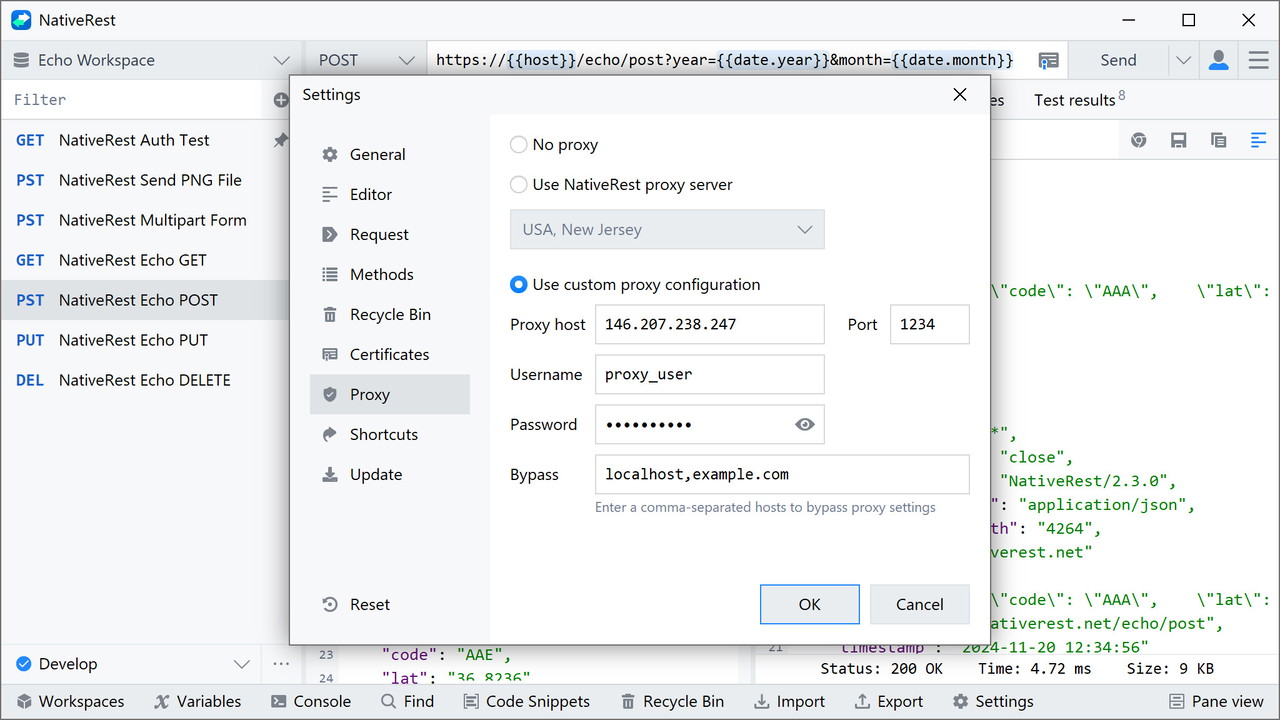
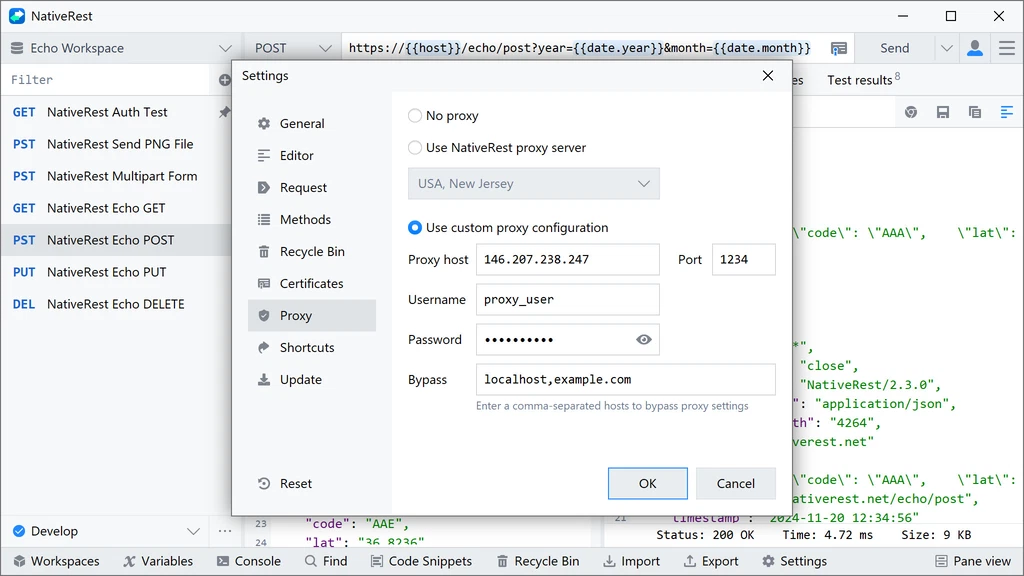
Use high-performance preconfigured proxy server from NativeRest. A proxy server acts as an intermediary between the user and the web server. Proxy servers use a different IP address on behalf of the user, concealing the user's real address from web servers. You can also configure NativeRest to use a custom proxy configuration when sending requests.
NativeRest is available in a portable version as well. The portable version is distributed as a single executable file and does not require administrator privileges. All features are available in the portable version.
NativeRest is a multilingual HTTP client that supports multiple languages. It supports 10 languages, including English, Spanish, Portuguese, French, German, Russian, Bulgarian, Simplified Chinese, Traditional Chinese, Japanese.
NativeRest supports Light and Dark themes for all components and windows. NativeRest uses system theme by default, but you can manually choose a Light or Dark theme in the Settings window.
Fast native REST API client for creating and testing your application API.