EaseUS VoiceWave
AI Generator
Galerie
TL;DR
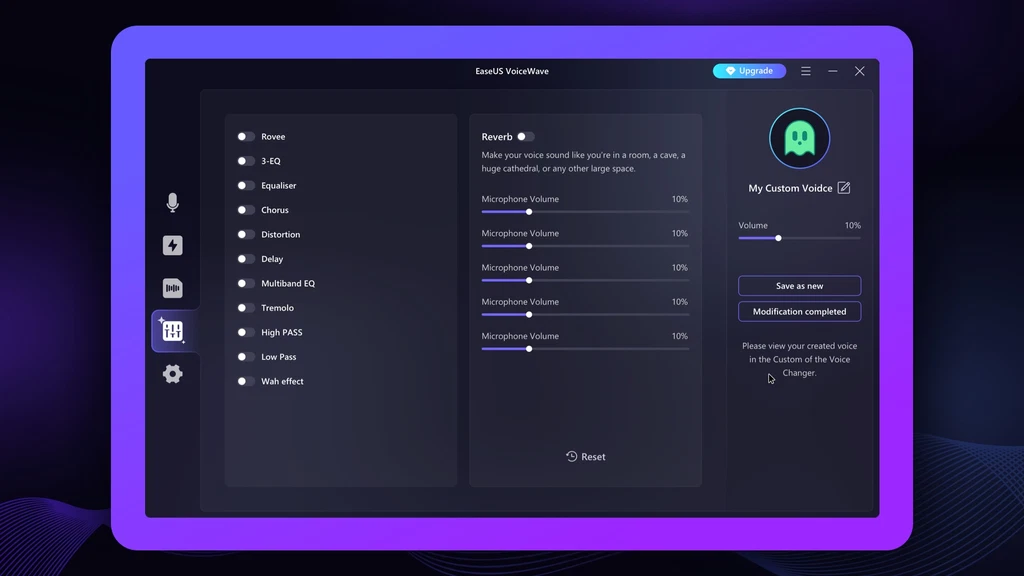
- Access 100+ sound effects and 300+ sound presets to create immersive experiences while gaming, streaming, or chatting online
- Modify your voice, record in the app, and then export your audio project as an MP3 file
Zusammenfassung
It’s hard to create immersive audio content when you aren’t an expert voice actor. (“Weird how my Morgan Freeman impression sounds more like Kermit the Frog.”)
Sure, you could try to manually tweak the pitch and timber on your recording settings—but the results aren’t guaranteed.
If only there was an AI tool packed with sound effects and presets that can change your voice for online gaming, chatting, and live streaming.
Introducing EaseUS VoiceWave.
Best For
- Content creators
- Influencers
- YouTubers
Kostenübersicht
1
2.49 € / Monat
0.00 €
52.29 €
Features & Funktionen
Verfügbare Features
Beschreibung
EaseUS VoiceWave is an AI audio software that can change your voice in real time for online streaming and offline recordings.
Real-time voice changer
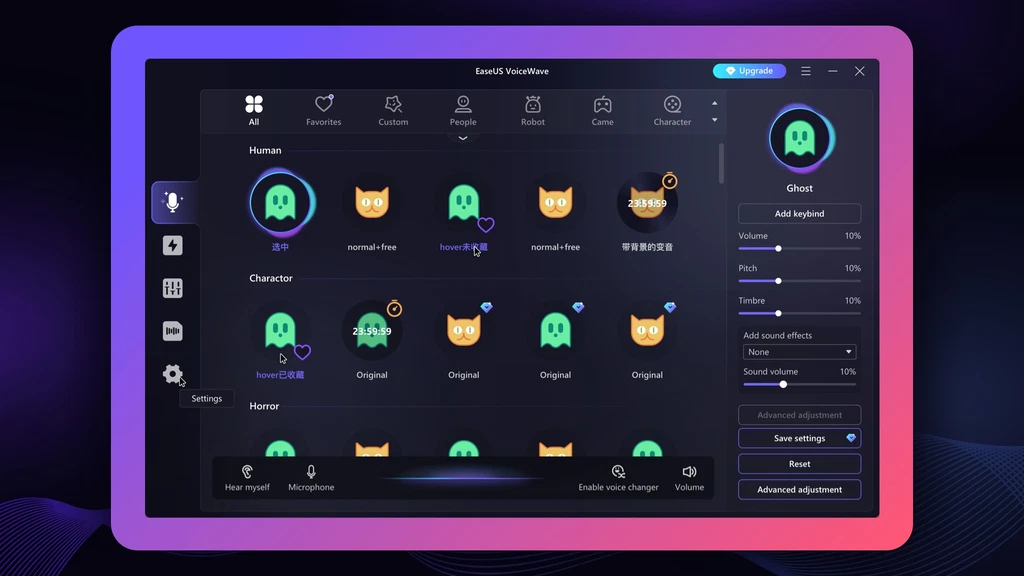
With EaseUS VoiceWave, you can change your voice in real time to boost engagement during online gaming, live streams, and video recordings.
- Access 100+ sound effects like “Darth Vader” or “autotune” to modify your voice
- Mimic a different gender using the “Girl to Boy” or “Male to Female” sound effects
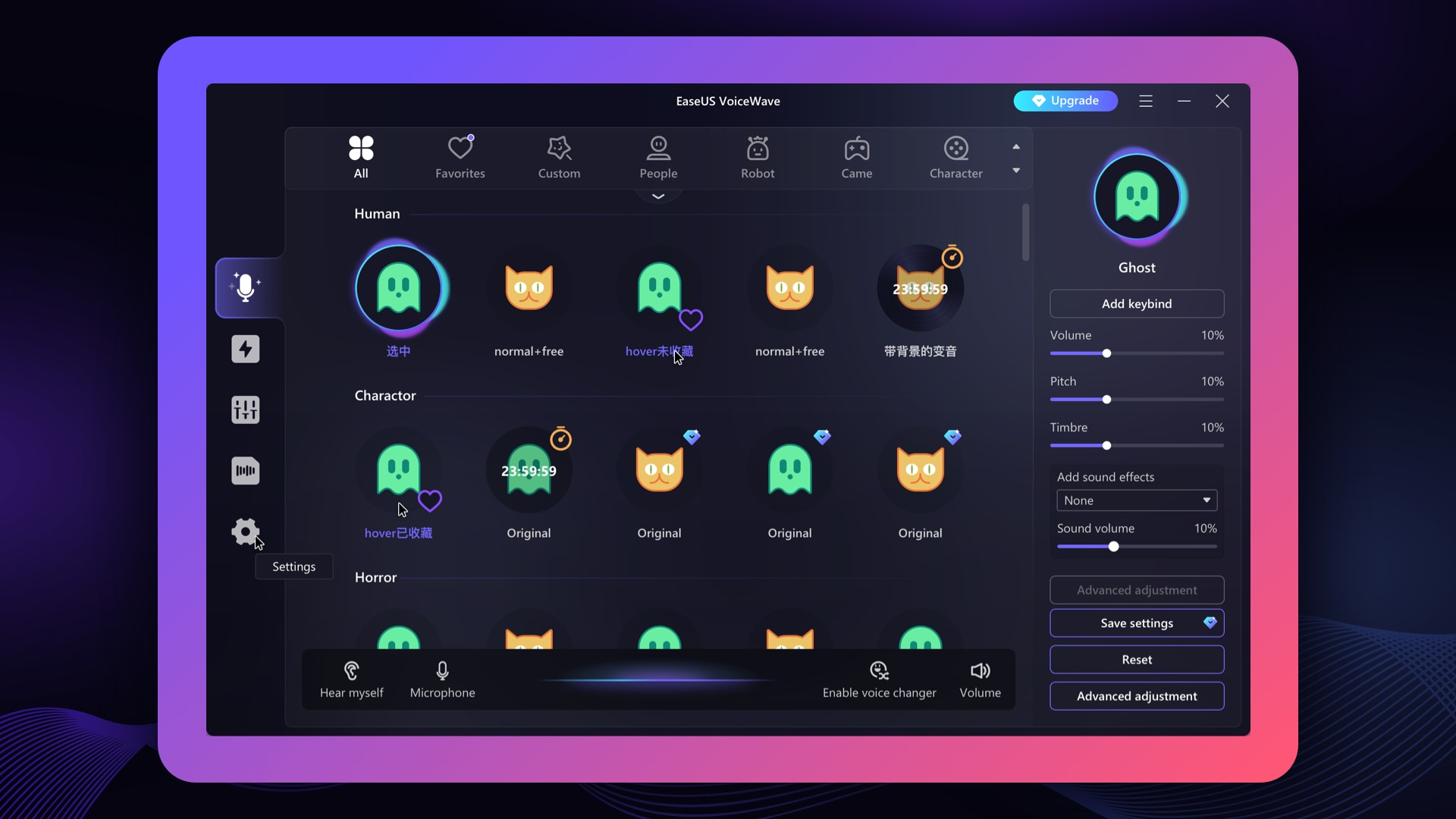
Choose from hundreds of voice effects to change your voice in real time.
Elevate your audio clips
EaseUS VoiceWave gives you access to a powerful soundboard that makes it easy to upgrade your audio clips.
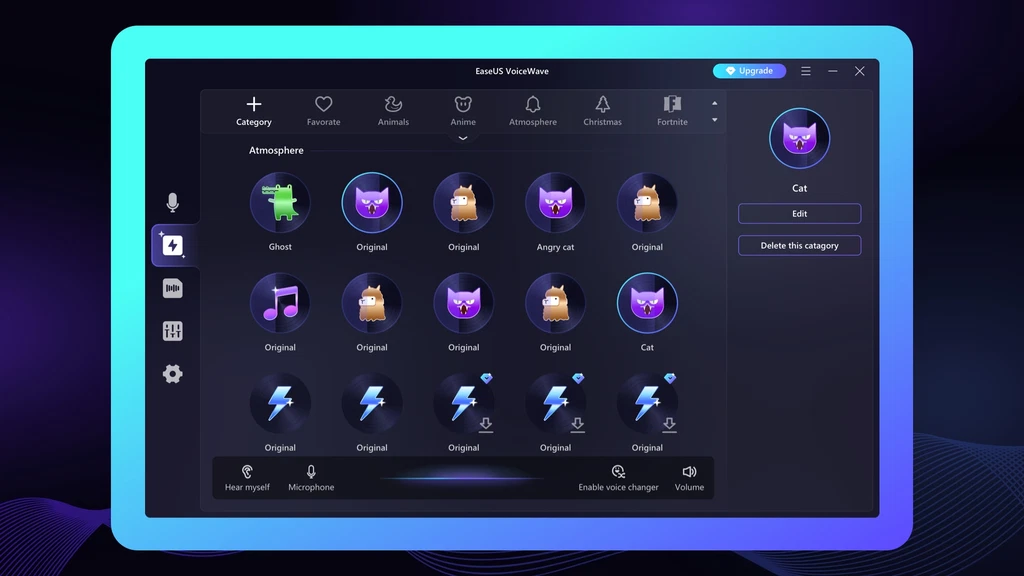
- Choose from over 300 sound presets from categories like animals or anime
- Use these presets to create an immersive experience while gaming or live streaming
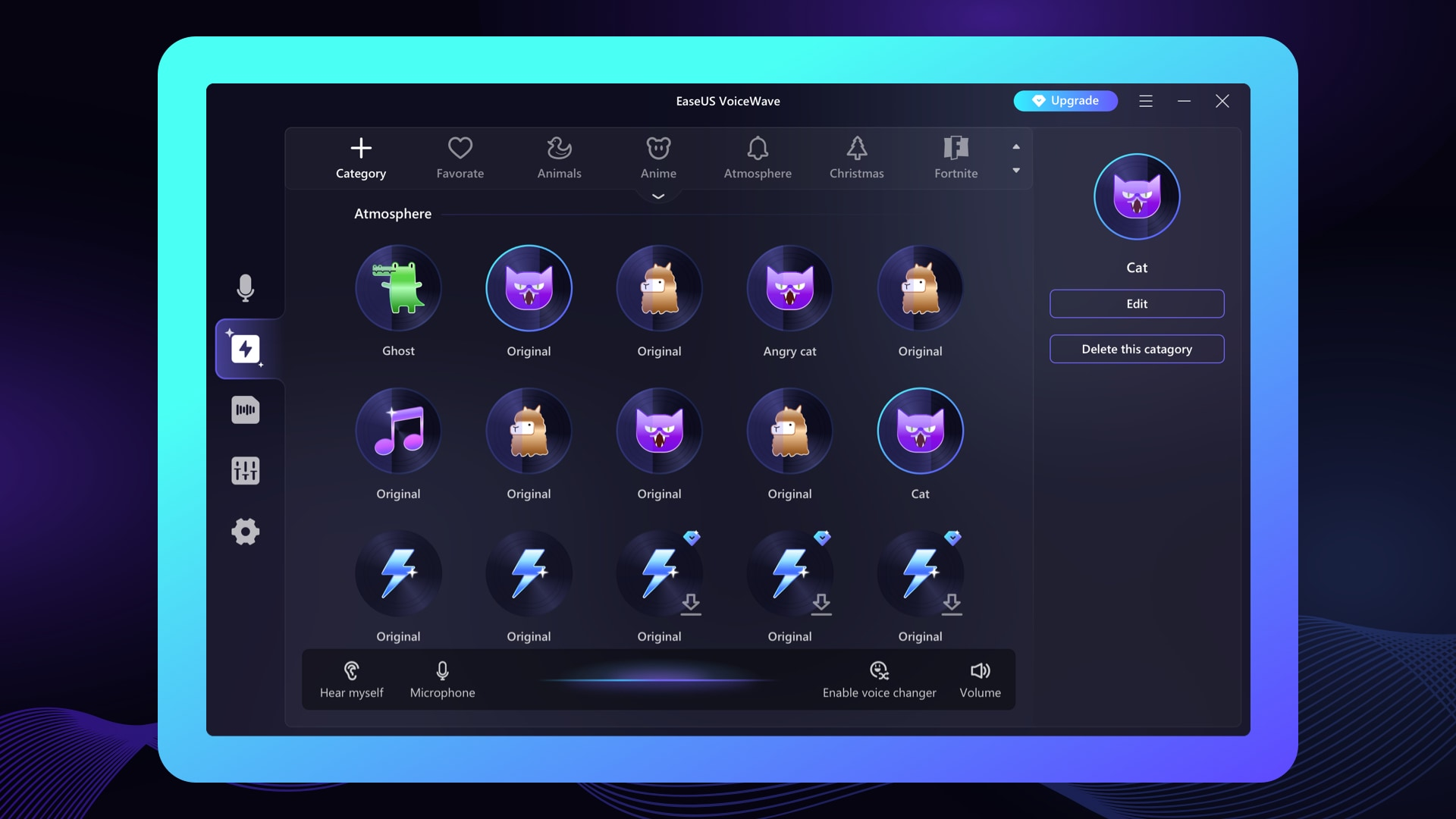
Choose from over 300 sound presets to include as sound clips on your recording.
Get rid of background noise
- Reduce background noise on any audio file, so your audience can hear what you’re saying
- Make any audio clip work—no more endless re-recordings
And because EaseUS VoiceWave supports over 200 online games and 50 instant messaging apps, you can use it right away.
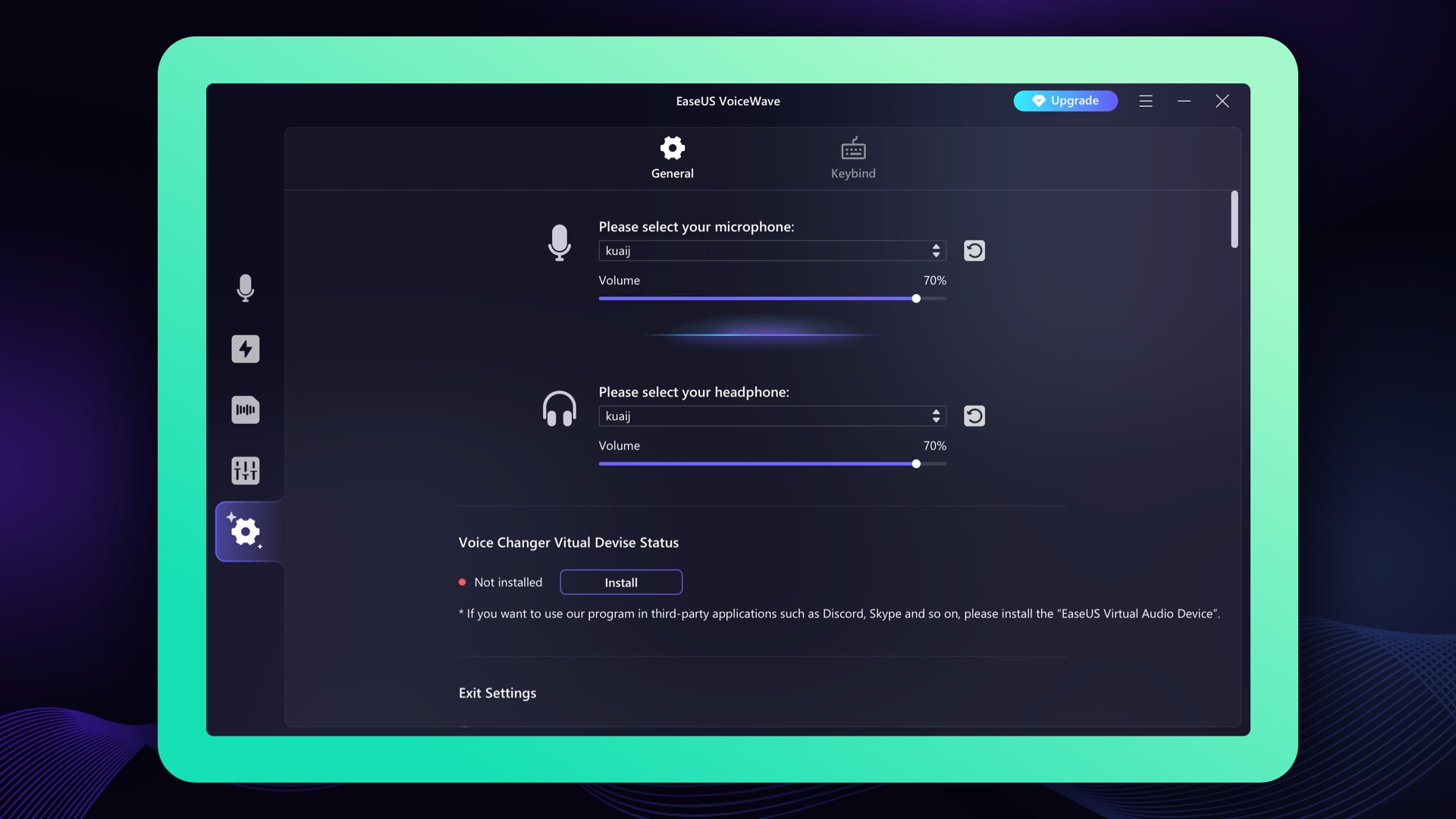
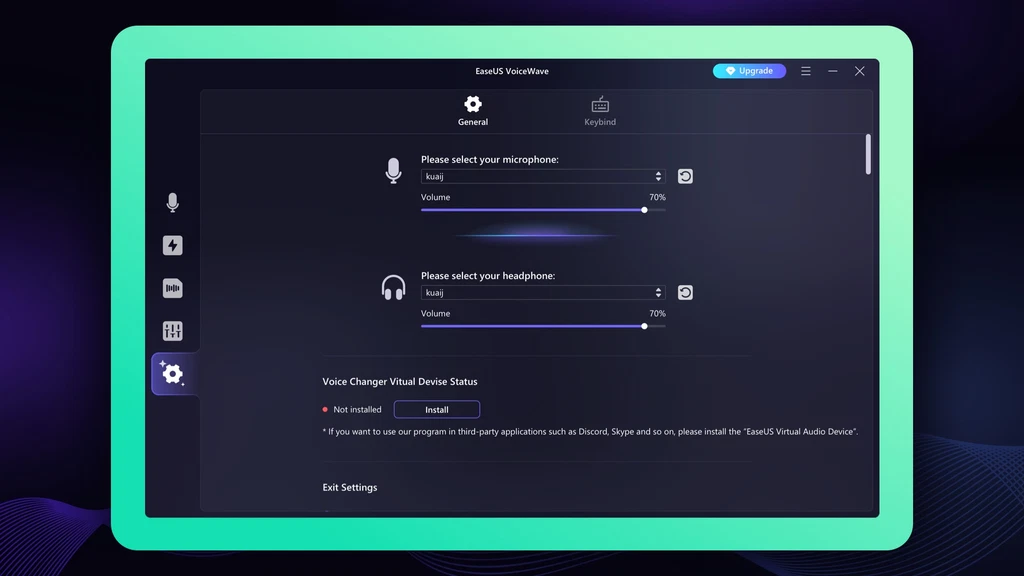
Customize your recording settings and reduce background noise for online and offline audio.
Mix audio like a pro
Best of all, EaseUS VoiceWave lets you record, modify, and export audio projects as MP3 files ready to share online and offline.
- Blend multiple vocal tracks and adjust the balance with different audio effects
- Configure your recording settings with personalized shortcut options
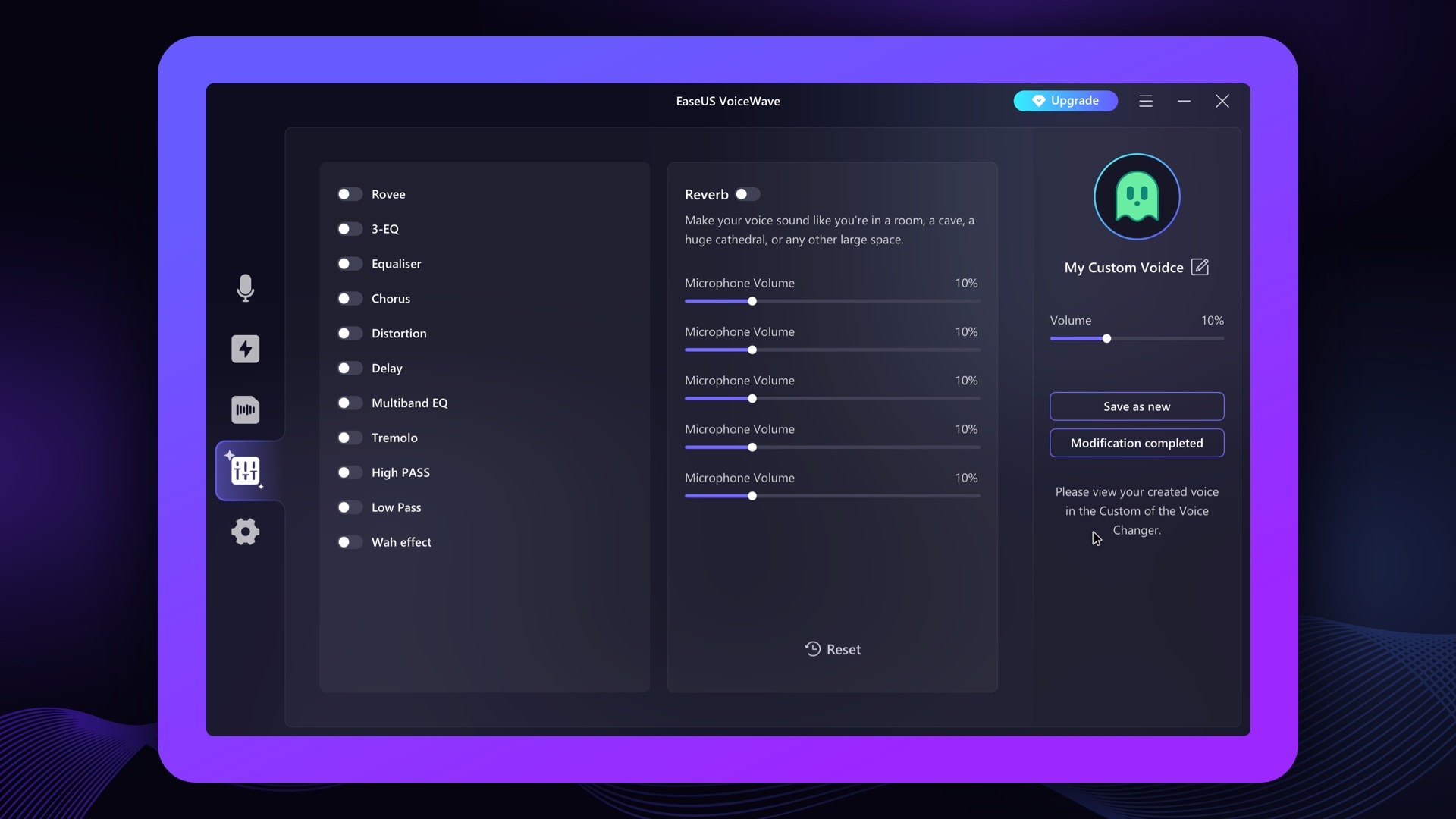
In just a few clicks, you can record and export an audio project as an MP3.
EaseUS VoiceWave can change your voice in real time to take your gaming, live streaming, and chat experiences to a whole new level.
Modify your voice with AI.